
Why Your iPhone Will Not Charge – And How Dead or Alive Technology Fixes It in Wishaw
It was just after lunchtime when a customer rushed into Dead or Alive Technology in Wishaw, holding their iPhone with a mix of confusion and panic.
“It was charging fine last night… and now it’s totally dead. No lightning symbol, nothing. I’ve tried every cable in the house.”
If you own an iPhone, you’ve probably experienced something similar. One moment it charges perfectly, and the next it refuses to take power no matter what you do. It’s frustrating — especially when your phone is your camera, bank card, sat-nav, work device, and lifeline all in one.
The good news?
Charging faults are one of the most common and fixable issues we see every week in our Wishaw repair centre.
And the even better news: most causes are completely diagnosable with the right tools and experience.
So let’s walk through the real reasons your iPhone stops charging — and how we fix each one professionally.
1. The Charging Port Is Filled With Dust or Pocket Lint
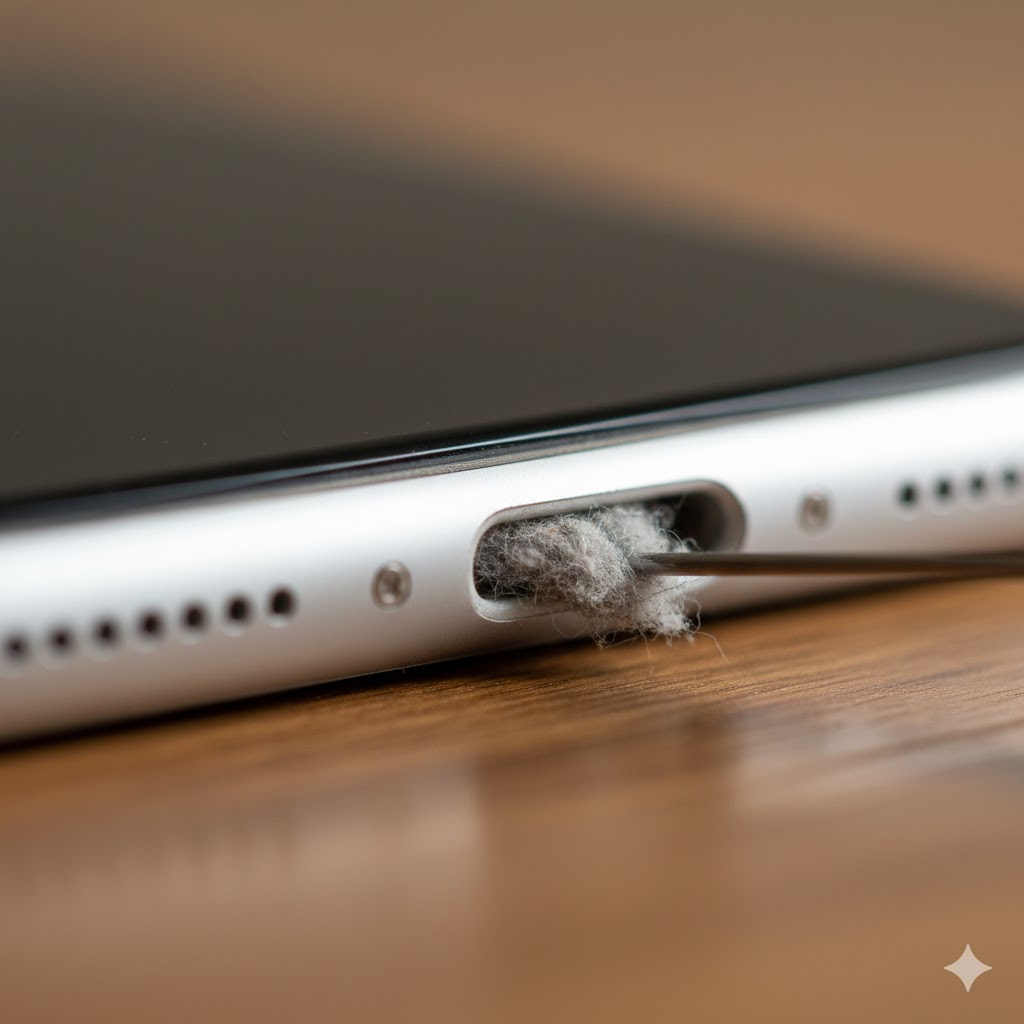
This is the number one cause of iPhones “not charging” — especially in Scotland, where phones spend most of their life in jacket pockets, work trousers, and handbags.
Over time, fibres, dirt, and dust compact inside the charging port.
Eventually the cable can’t sit deep enough to make contact.
How we fix it:
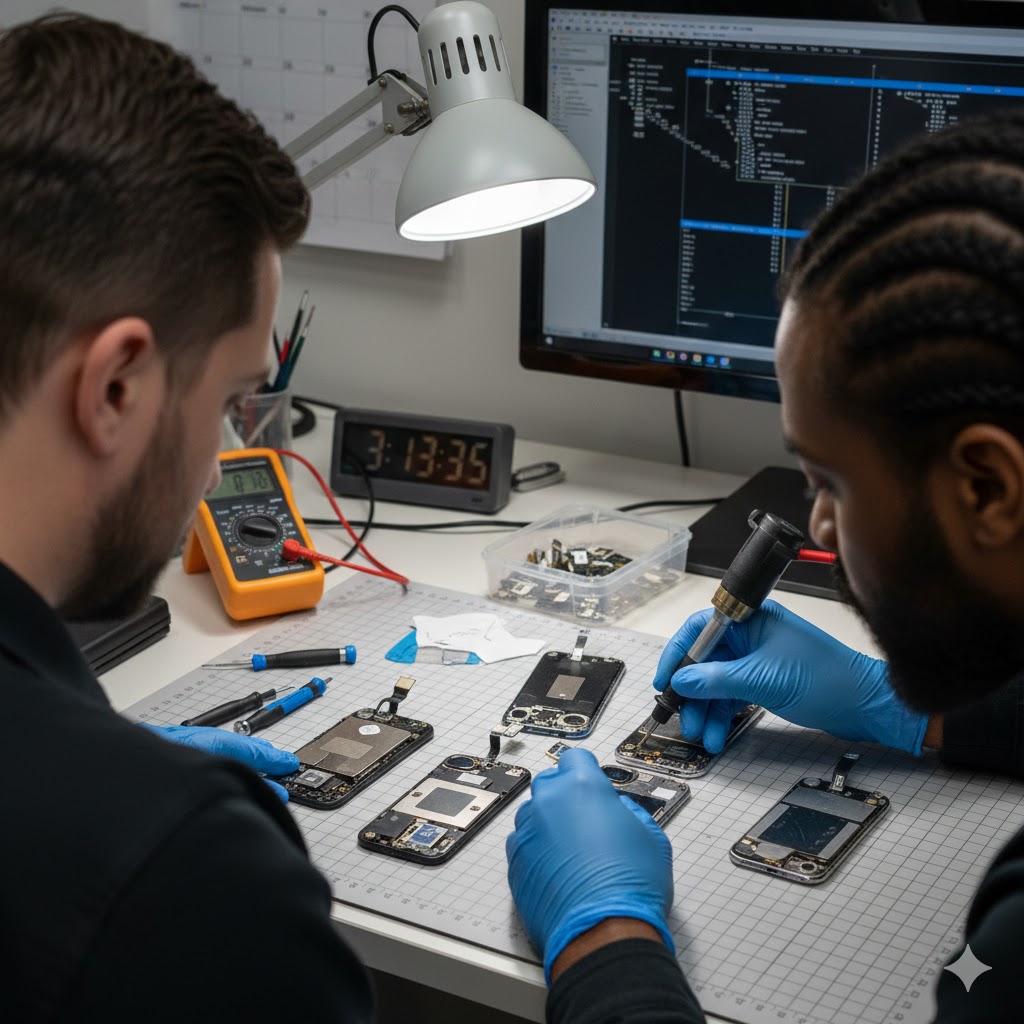
At Dead or Alive Technology, we use:
- Precision stainless-steel dental picks
- Soft anti-static brushes
- High-pressure air tools
- A microscope to avoid damaging internal pins
A quick cleaning session often restores charging instantly without replacing any parts.
2. Damaged or Worn Charging Port
If cleaning doesn’t help, the port itself may be worn or physically damaged.
Common symptoms:
- The cable wiggles or sits loose
- Charging only works at a strange angle
- The phone connects then disconnects repeatedly
- No charging at all even with known good chargers
These are signs of a failing Lightning or USB-C port.
How we fix it:
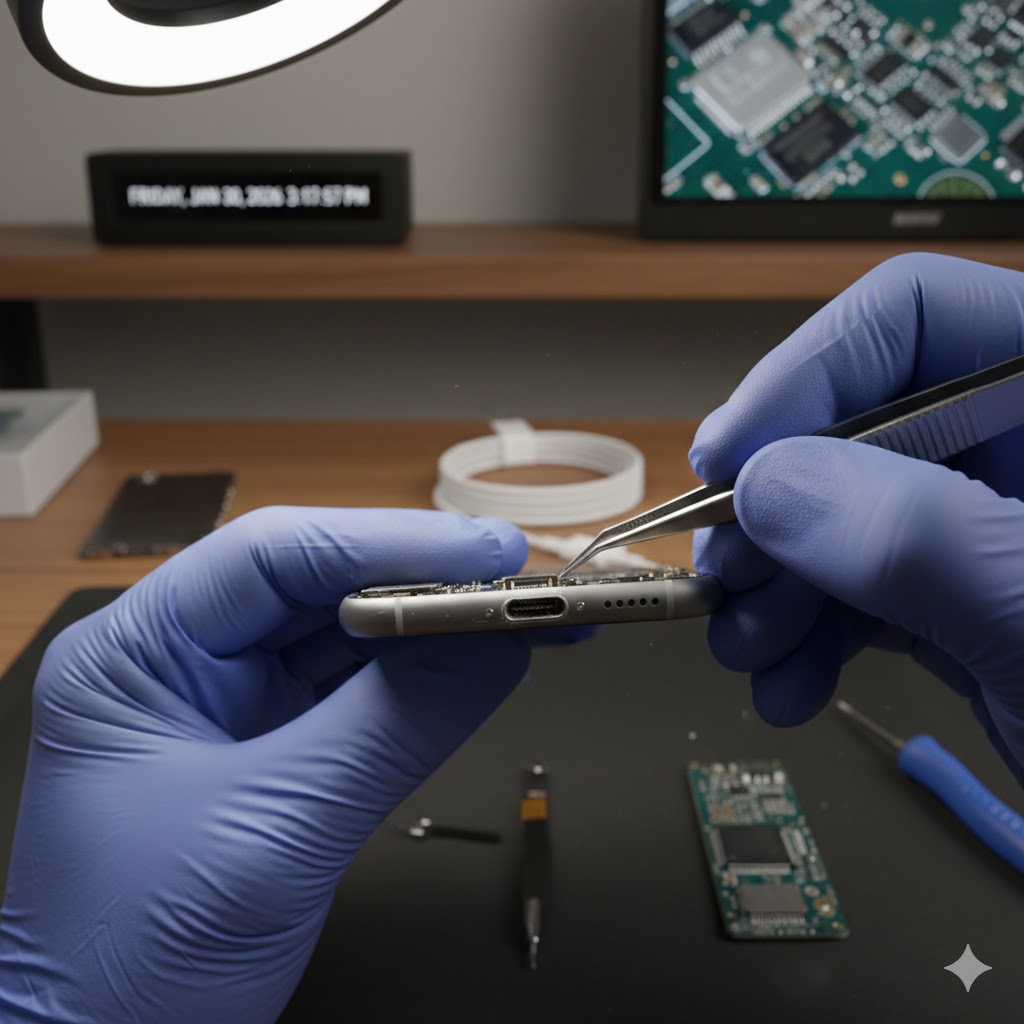
We remove the screen, isolate the battery, and replace the entire charging port flex assembly using:
- OEM-grade replacement parts
- Micro-soldering techniques for models where the port is board-mounted
- Full testing on power meters and charge controllers
This type of repair is carried out same day or next day, depending on model.
3. Faulty Charger, Cable or Power Adapter
It sounds simple, but you’d be shocked how many “dead” iPhones are revived with a proper, certified cable.
Cheap third-party cables often fail internally or provide unstable voltage, causing:
- Slow charging
- No charging
- “Accessory not supported”
- Damage to the charging IC on the logic board over time
How we fix it:
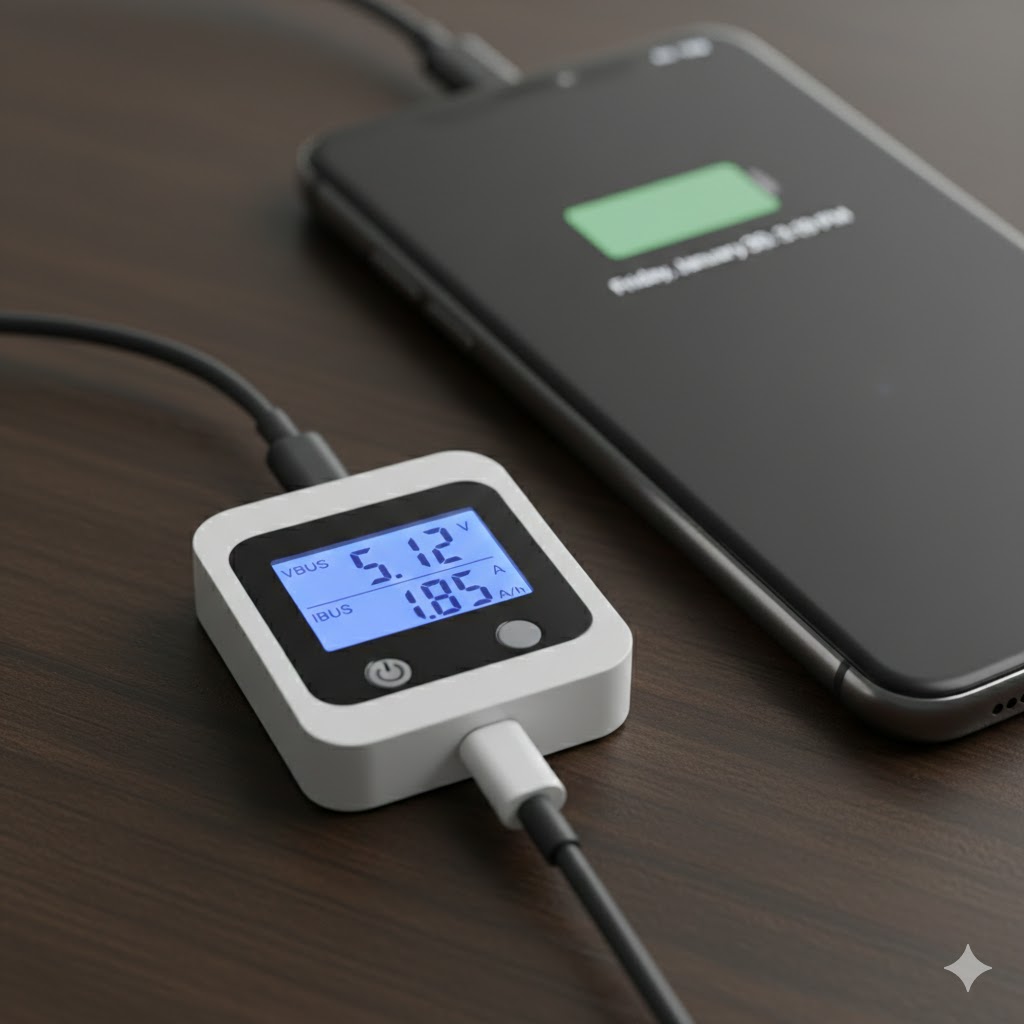
We test the phone using:
- An Apple MFi-certified cable
- A high-quality USB power meter
- A stable 5 V regulated bench supply
This lets us instantly rule out cable or charger issues.
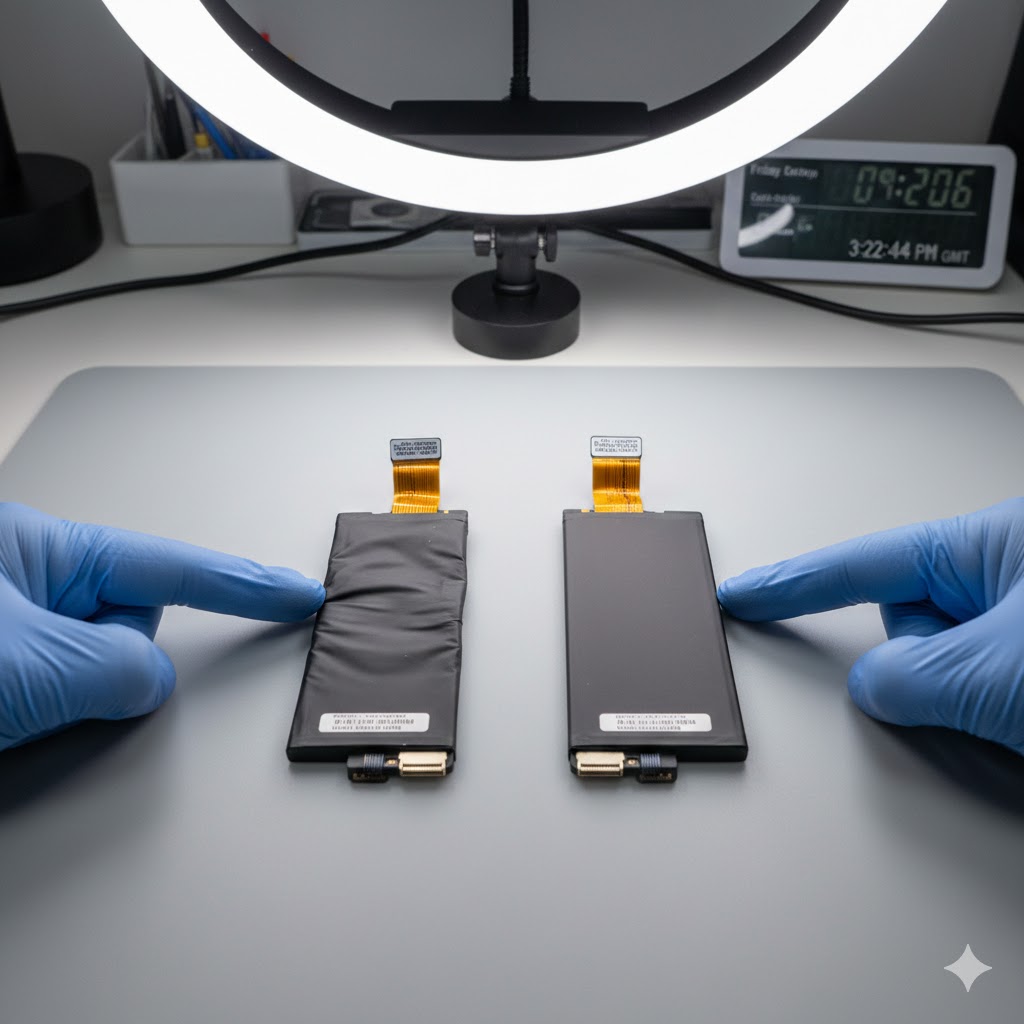
4. Battery Degradation or a Safety Lockout
If the battery is extremely worn, swollen, or suffering internal cell failure, the iPhone can refuse to take charge to prevent a thermal event.
Typical signs:
- Battery drains extremely fast
- Unexpected shutdowns
- Phone only powers when plugged in
- Battery health below 80 percent
How we fix it:
We carry out:
- Battery health analysis
- Internal inspection for swelling
- Safe removal and professional replacement
- Adhesive resealing and calibrating
All replacements are done using OEM-grade batteries, fully tested before returning to the customer.
5. Logic Board Issues — Charging IC, Tristar, Tigris or USB-C Controller Faults
When the charging IC or power management circuits fail, no cable or port will fix it.
These tiny chips control:
- USB communication
- Voltage regulation
- Battery charging
- Power delivery
- USB-C handshake
- Over-current protection
A failed Tristar/Tigris/USB-C controller often shows symptoms like:
- “This accessory may not be supported”
- Only charging when powered off
- No charging after using cheap cables
- Sudden charging failure after a drop
How we fix it:
This is where Dead or Alive Technology stands out.
Using micro-soldering and board-level diagnostics, we:
- Identify shorted components
- Replace failed charge ICs
- Inspect under the microscope
- Test current draw behaviour
- Restore the board to factory-normal charging levels
This type of repair saves customers hundreds of pounds compared to replacing the entire phone.
6. Liquid Damage Inside the Charging Circuit
Even “a tiny bit of water” or Scottish rain can corrode:
- The charging port flex
- The battery connector
- The USB controller
- Nearby capacitors and resistors
This usually starts subtly and gets worse over time.
How we fix it:
We perform:
- Full device strip-down
- Ultrasonic cleaning (if required)
- Corrosion removal
- Component testing and replacement
- Board repair if the charging circuit is affected
Liquid-damaged iPhones often recover fully if treated early.
How Dead or Alive Technology Diagnoses iPhone Charging Problems in Wishaw
When you bring your device to us, here’s what happens:
1. We perform a full diagnostic under the microscope
We check the port, pins, connectors, and board traces.
2. We test charging behaviour using power meters
This shows whether the phone is accepting current normally.
3. We test with Apple-certified chargers
This rules out cable issues immediately.
4. We check the battery condition & safety status
We detect swelling, drop-off, and internal damage.
5. We provide a fixed price repair quote before any work begins
No surprises. No upselling. No pressure.
6. All repairs are completed professionally and tested before return
Dead or Alive Technology never returns a device without full verification.
When Should You Bring Your iPhone In?
Bring it to us if:
- It doesn’t charge at all
- It only charges at a specific angle
- It charges slowly or intermittently
- You see “Accessory Not Supported”
- The phone overheats when charging
- The battery drains unusually fast
- The device died after using a cheap cable
The sooner we see it, the faster (and cheaper) the fix.
Need Your iPhone Charging Fixed? We’re Here to Help
If your iPhone is refusing to charge, don’t wait for it to get worse, charging problems almost always progress over time.
Dead or Alive Technology, Wishaw
01698 909099
deadoralivetechnology.com
We’re open Monday to Saturday, 9am to 5pm. Let us bring your iPhone back to life.